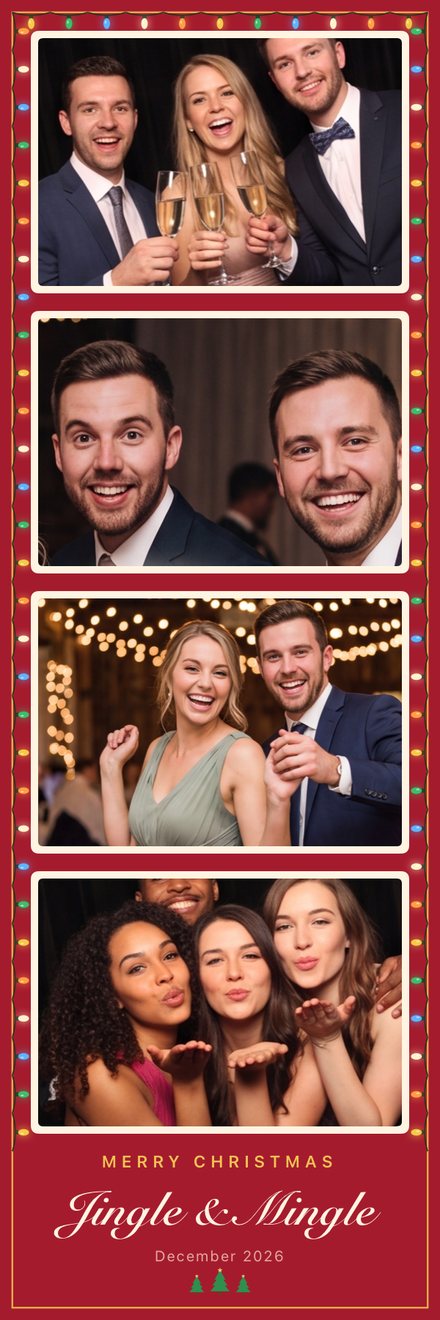
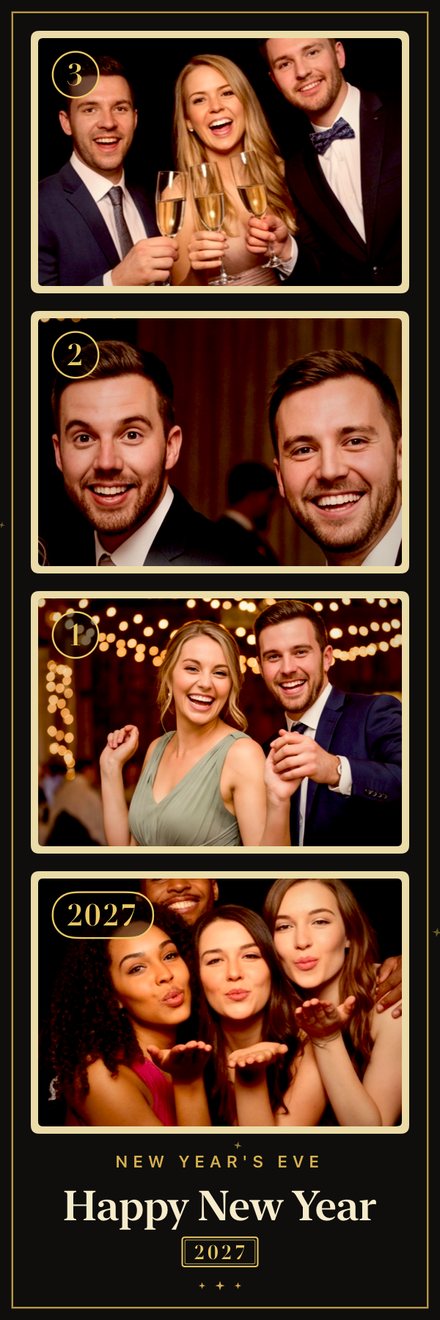
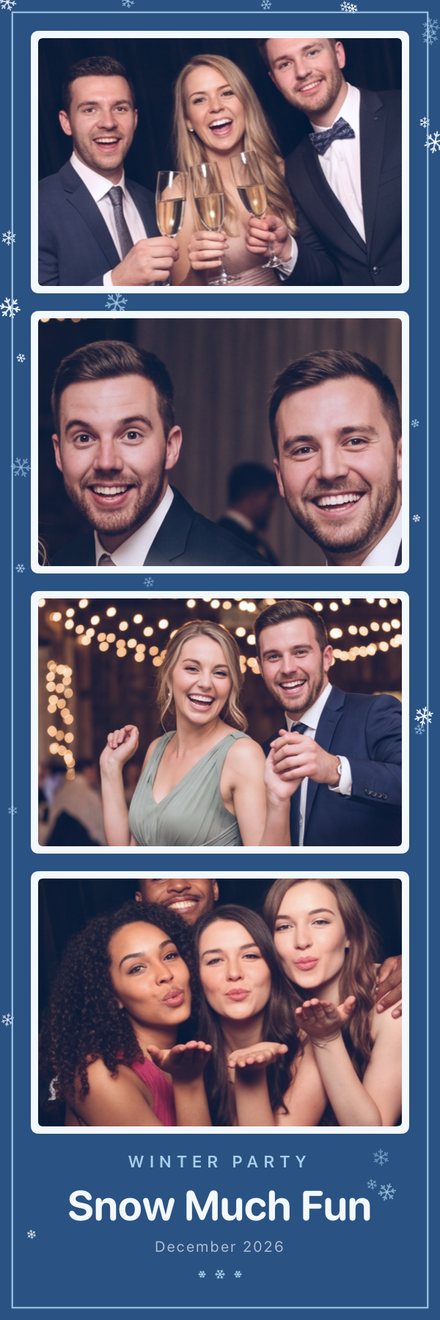
Each strip holds four photos and a footer you can edit, so the title and date match your invitation.
A deep red strip framed with a string of lights. Ours says Jingle & Mingle; yours can say the office name or the family's.
Get the booth for Christmas
Black and gold. The four frames count down 3, 2, 1, 2027, so the last pose is the midnight one.
Get the booth for New Year's Eve
Snowflakes on winter blue, for any December party. Ours says Snow Much Fun.
Get the booth for a winter partyThe holiday strips lead the Design tab from November 1 to January 6. The photos in these examples are sample shots; the strips are real output from the app.
No rental, no equipment to collect. Everything below happens on the iPhone you already have.
A phone stand, a tripod or a stack of books at eye level. Plug in a charger if the party runs late.
Open Design, choose Christmas Lights, New Year's Eve or Winter Frost, and type your title and date.
The booth locks into a loop. Guests can shoot all night, and leaving takes your Face ID or host passcode.
A big 3-2-1 countdown, four poses, and the finished strip appears on screen.
Save to Photos, AirPrint on the spot, send by Messages or Mail, or use the share sheet.
Saving, printing and sharing strips for the whole party comes with a pass or Confetto Pro, which you choose in the app.

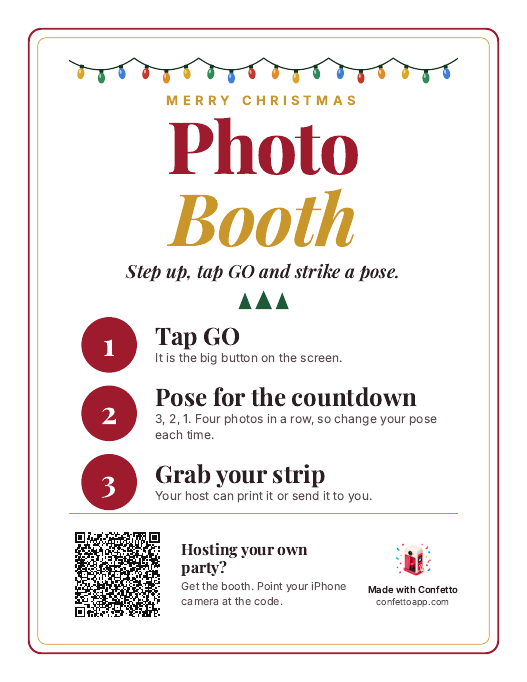
Put the sign next to the phone so nobody has to ask how it works. Cut out the props and leave them in a jar beside it.
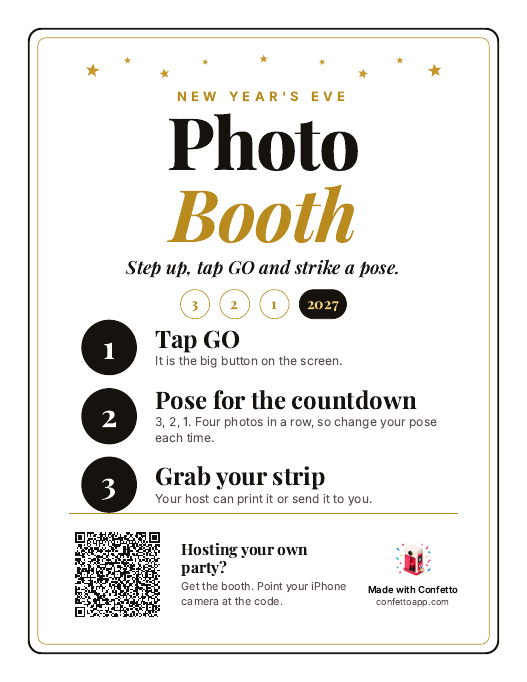
One page. Three steps for guests: tap GO, pose for the countdown, grab your strip.
The same three steps in black and gold, for the countdown to 2027.
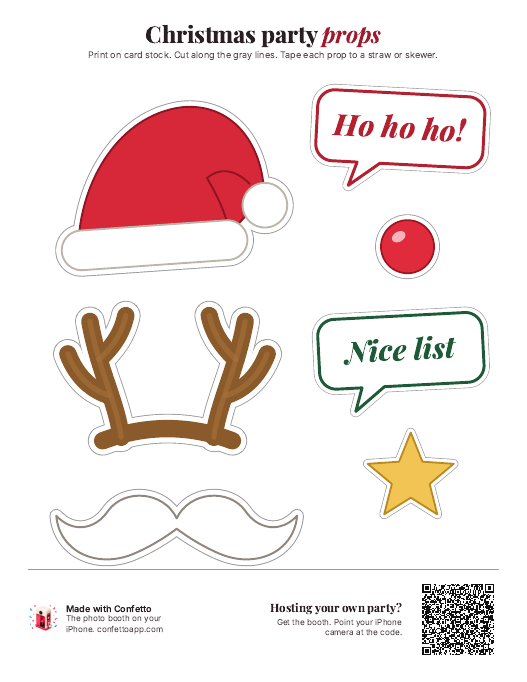
Two pages of cut-out props for Christmas and New Year's Eve. Print on card stock, cut, and tape each one to a straw or skewer.
Download Confetto, pick a holiday strip and print the sign. That is the whole setup.
Counting down to 2027? Get the booth for New Year's Eve